iMiser Research Assistant®, the Professional Internet Research Tool / Web Organizer / Offline Browser /
Email Archiver / Internet Information Database


  home   e-mail  
             Navigation

Home
Free Download
Testimonials
Purchase
Support
FAQ
Screen Shots
Flash Tutorials
iMiser Manual
Our Services
Contact AdviceSoft


 Research
 Assistant


Developed with Pride by
AdviceSoft
Here today,
 Here tomorrow


   iMiser Research Assistant Screen Shots

                                               iMiser Research Assistant

 
                          Screen Shots
                                      (Taken in Windows XP
® and Windows 98®)


         This is the main iMiser screen. Note the green LED to the right of the
         address bar, indicating that this is a saved Web page.


        This is an expanded view of the iMiser screen showing a live Web
        browser in action.
Note the red LED to the right of the address bar,
        indicating that you are online.   Also note the  internal Drop Target
        (pelican),  which can be used to import  Web pages,  images,  and
        text directly. Clicking the Drop Target will display an Import Menu


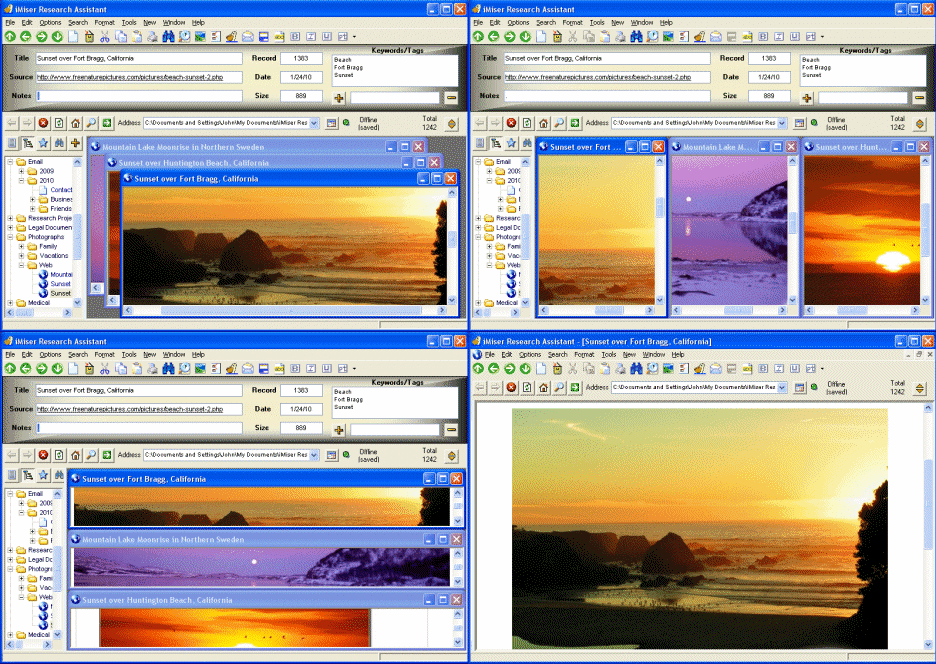
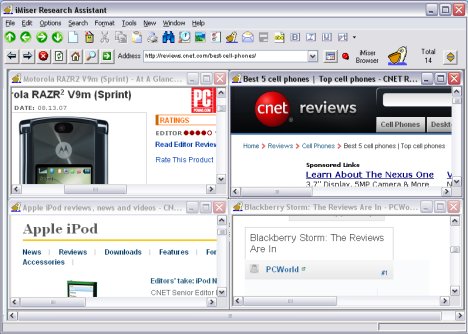
       Another  expanded view of the iMiser screen   showing four online
       Web browsers open at the same time.  The user is reading product
       reviews and is comparison shopping. Any or all of these pages can
       be saved and organized with just a few mouse clicks.


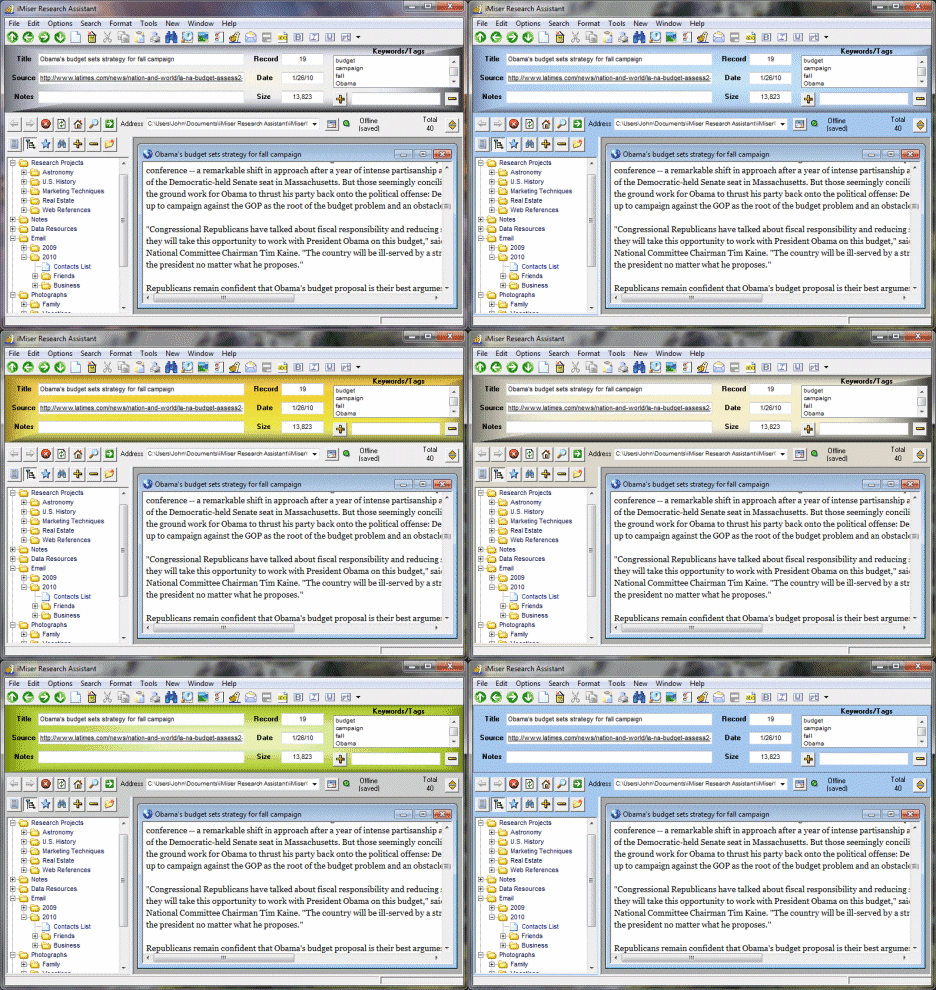
       This is another view of the iMiser screen  showing a  saved text file.
       It also shows the results of a search in the lower-left corner.   Note
       that the  search results  are not shown in a  popup window,  but are
       conveniently shown on the main screen. Note also that the user has
       changed the iMiser screen colors.   


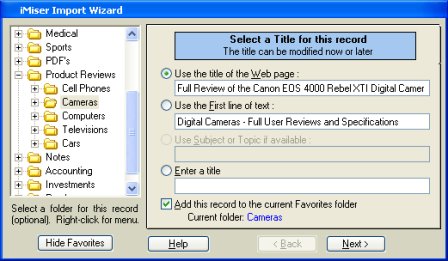
         The iMiser Import Wizard in action,  which lets you customize your
         saved Web page or document.  Note the checkbox near the bottom
         that allows you to automatically add this record to iMiser Favorites.


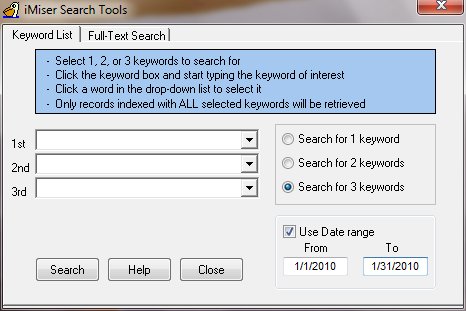
         The Keyword List Search Tool.  Up to three keywords/phrases can be
         selected for a search. 
Keywords are selected from a drop-down box.
         Note that a search can be made within a given date range. 


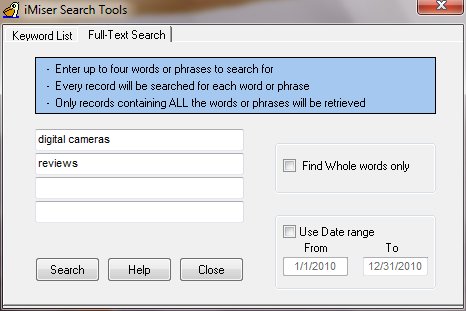
         The Full-Text Search Tool.  This does a full text search of each saved
         Web page or document. Up to four words or phrases can be used in a
         search.


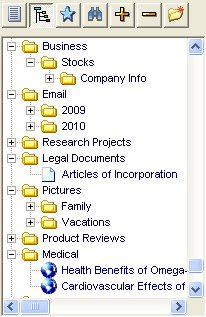
   This is a sample view of Favorites.   A document can be  quickly added
   to Favorites with a single click of the Add button (Plus sign) on the top.
   A new folder can be made by clicking the New Folder button. Unlimited
   levels of Favorites folders can be  created, whereas many programs of
   this kind only allow one level.


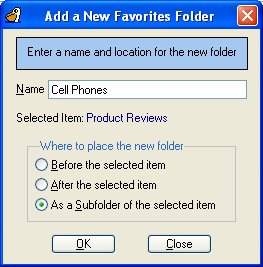
  This is the New Favorites Folder Box. It lets you precisely and
  easily add a new  iMiser Favorites  folder  by typing in a name
  and selecting a location for the new folder.


            This is the iMiser E-mail Utility. There are three formats
            available for sending saved Web pages  and  other Web
            content with your e-mail
.


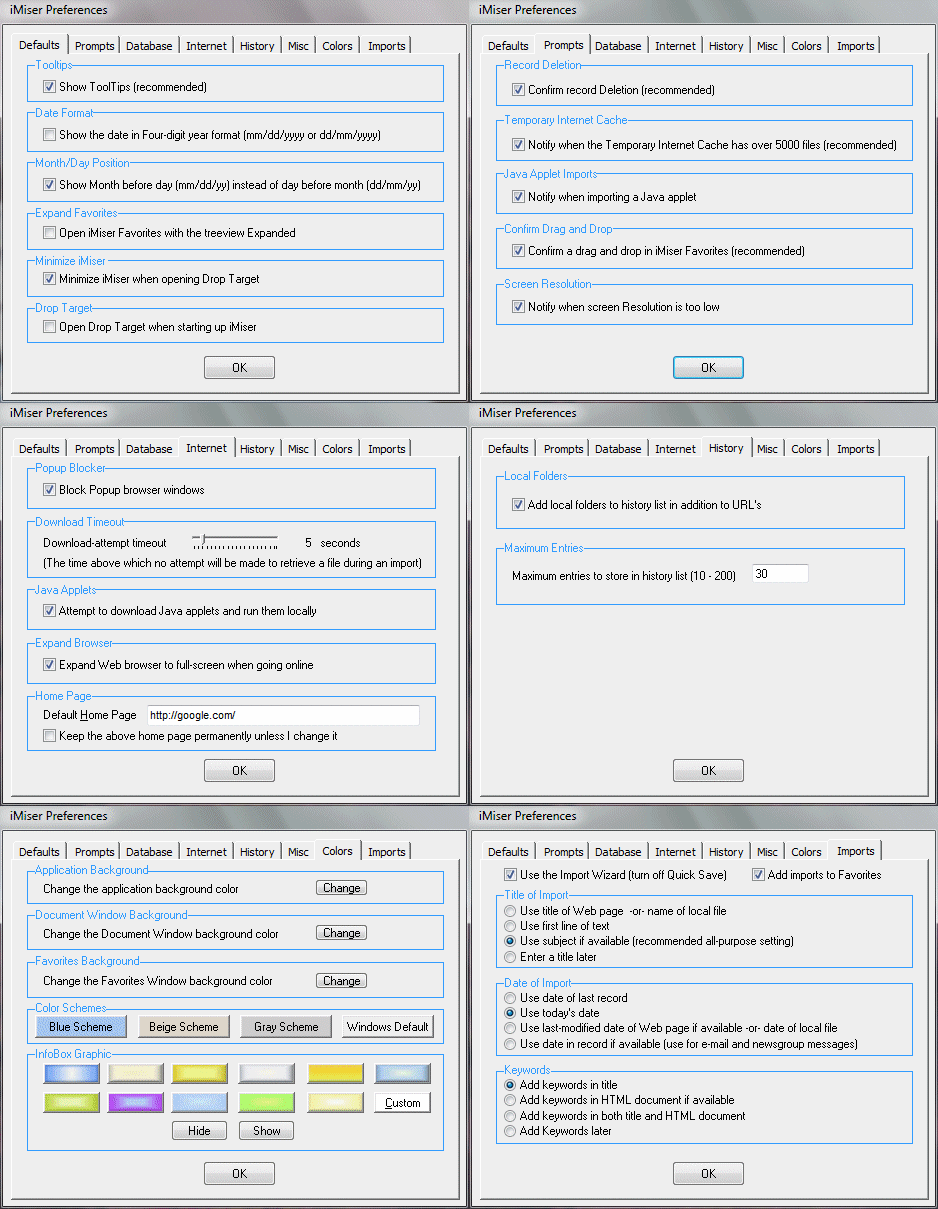
          This is the iMiser Preferences Dialog Box, showing Internet
          preferences.  The default home page automatically defaults
          to the current home page of Internet Explorer®


Copyright © 2002-2008 AdviceSoft LLC  All rights reserved.
iMiser® is a Registered Trademark of AdviceSoft LLC.
All other trademarks are the property of their respective owners
          Screen Shots
          
           - Main screen
           - Fully expanded
           - Another view
           - Import wizard
           - Search tools
           - Favorites
           - New folder 
           - Sending e-mail
           - Preferences

        Use Any Browser
     
        Use with Microsoft®
      Internet Explorer®
      Netscape®, Opera®,
      Mozilla®,   Firefox®,
      Avant®, and the AOL®
      and Compuserve®
      Web browsers.

      Version 3.2 will be
      compatible  with
      almost all modern
      Web browsers.


       Save the Web
     
      Save  and  organize
     Web  pages,  blogs,
     email, selected Web
     page  text,  images,
     RSS  feeds,  news-
     group   messages,
     discussion  forums,
     and much more.